Draw something now
Imagine this is your desktop.
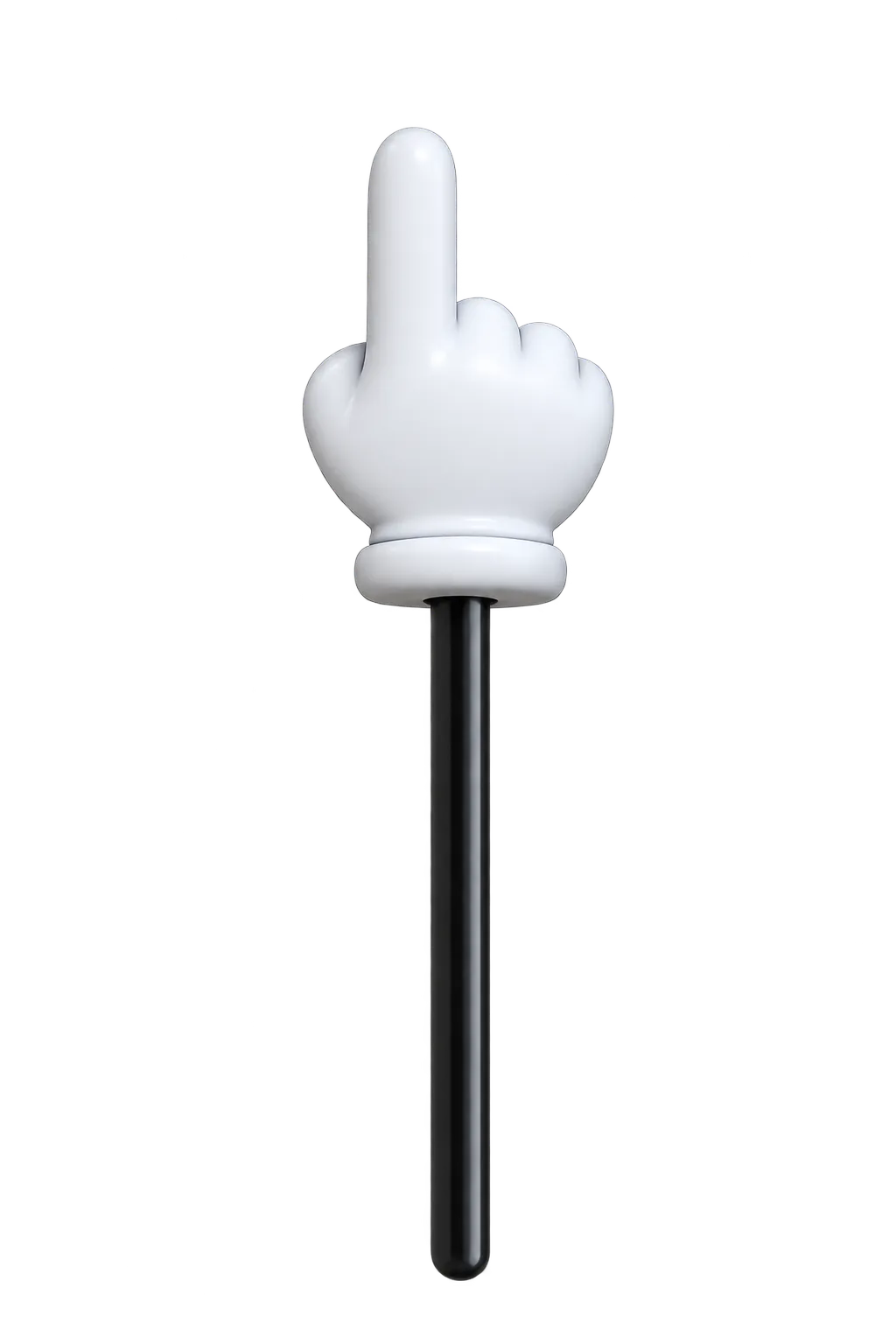
And you need a hand to point out some things.
Imagine you could draw anywhere on your screen.
In all colors of the rainbow.
Draw in rainbow colours now
Then imagine you could also draw arrows.
Draw an arrow now
Maybe you need to stamp numbers to show an order or to number variants.
Click to stamp numbers now
Or take a closer look at everything on your screen.
Imagine TinyHand and ScreenBrush had a baby.
This is Tiny Pointer.
Free for macOS.
Download for macOSVersion 1.4.0 (Release notes)